.jpg?w=1001&h=1001)
.jpg?w=1001&h=1001)
.jpg?w=1001&h=1001)
.jpg?w=1001&h=1001)
.jpg?h=1001&q=80&w=1001)
.jpg?h=1001&q=80&w=1001)
.jpg?h=1001&q=80&w=1001)
.jpg?h=1001&q=80&w=1001)
OBD Monitoring

GPS Navigation

HD Projection
.png?w=469&h=470)
Easy to install
Dual-Mode Power: OBD2 + GPS
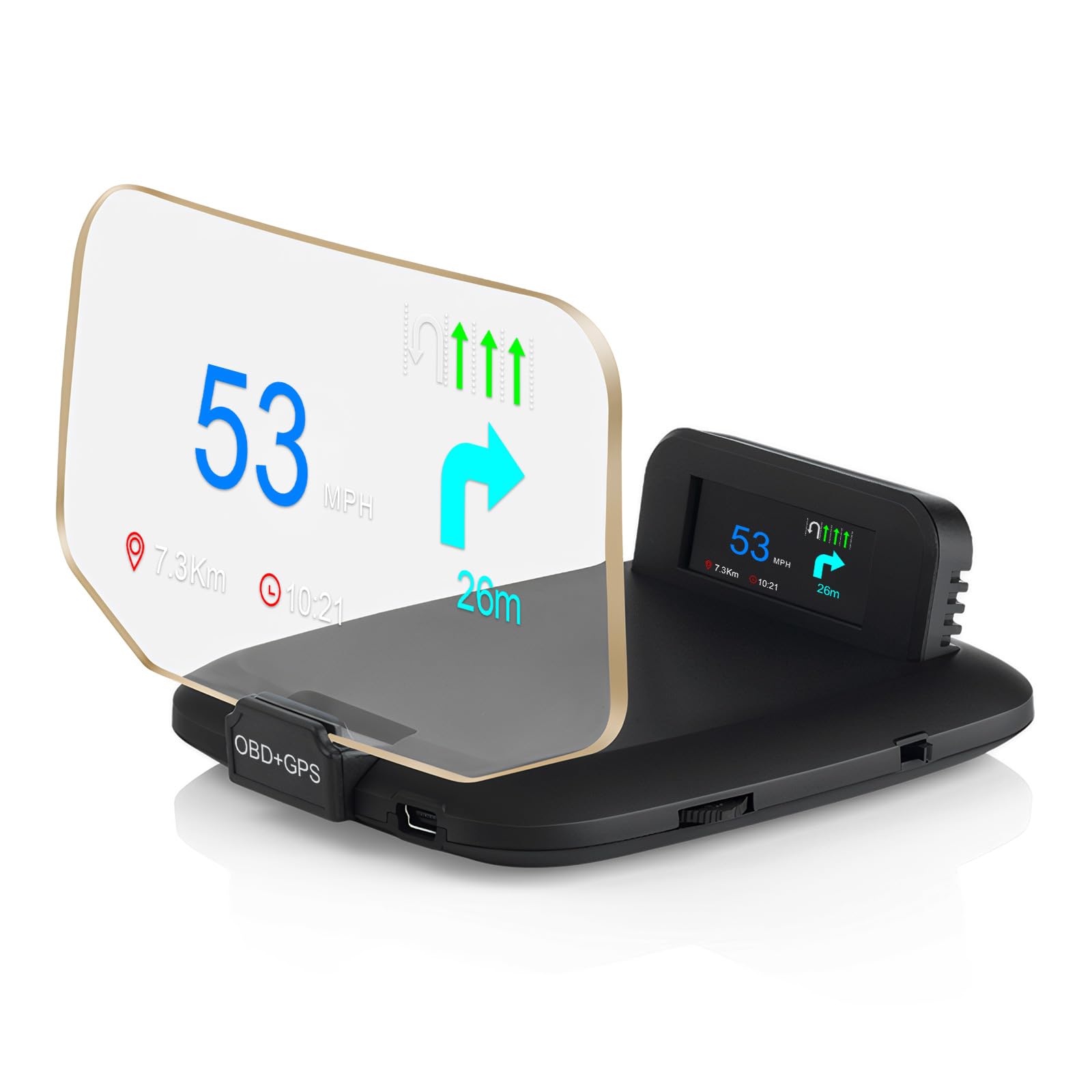
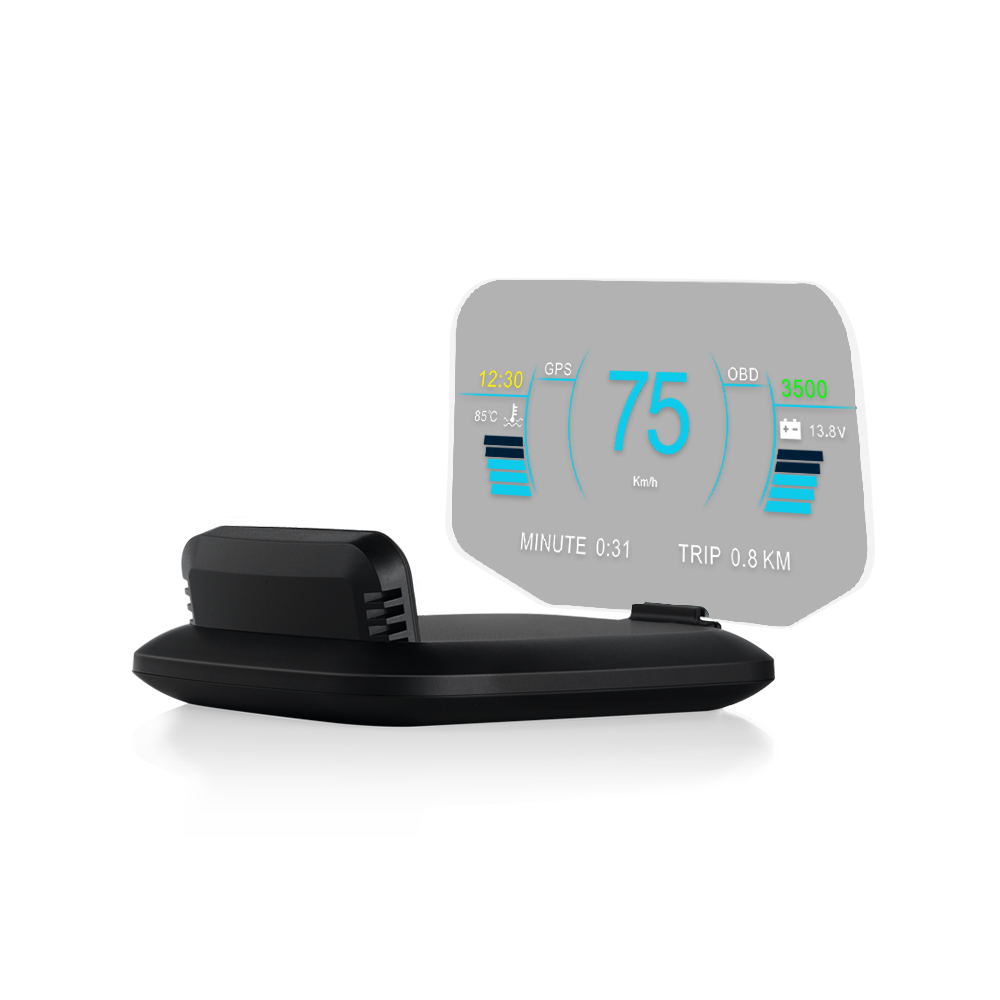
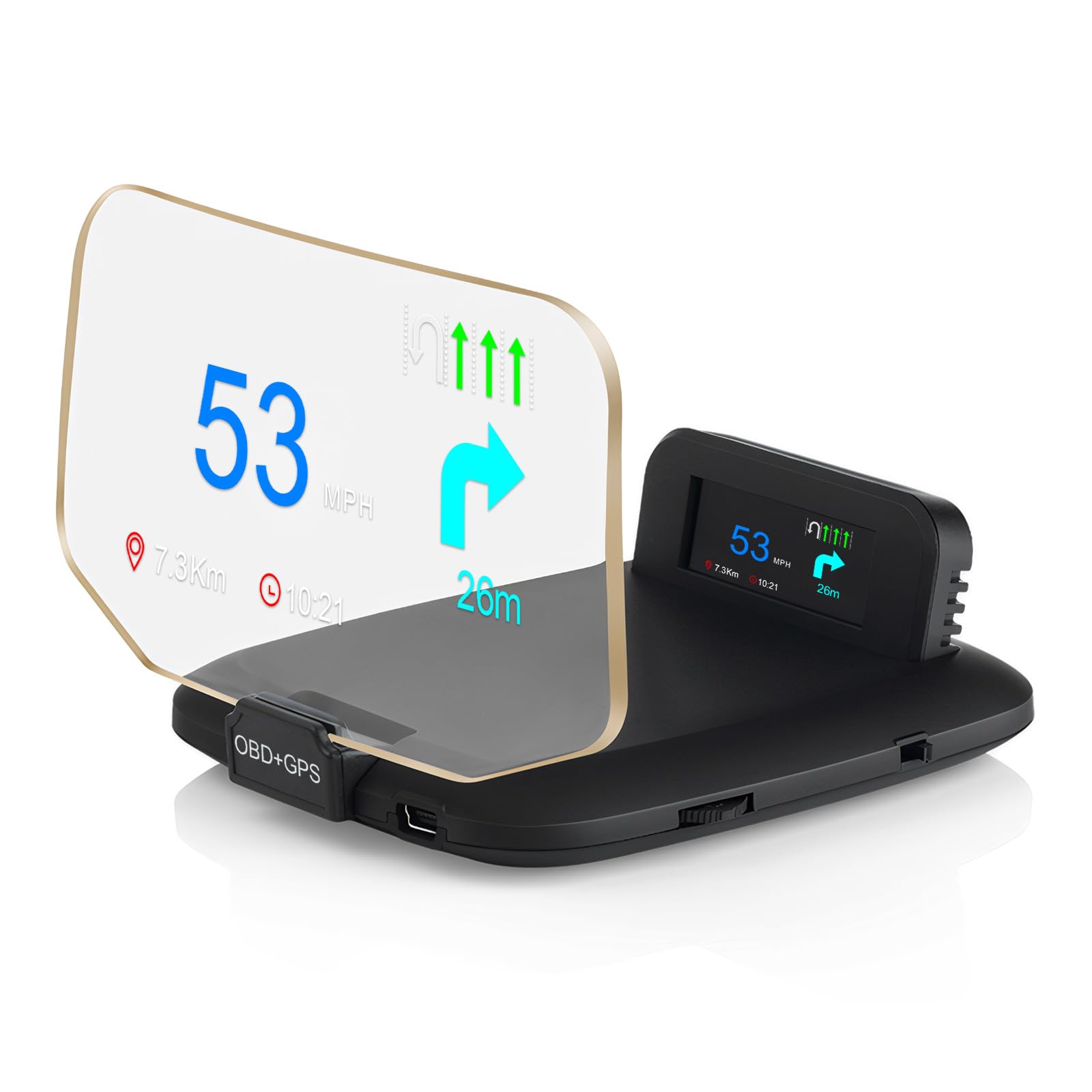
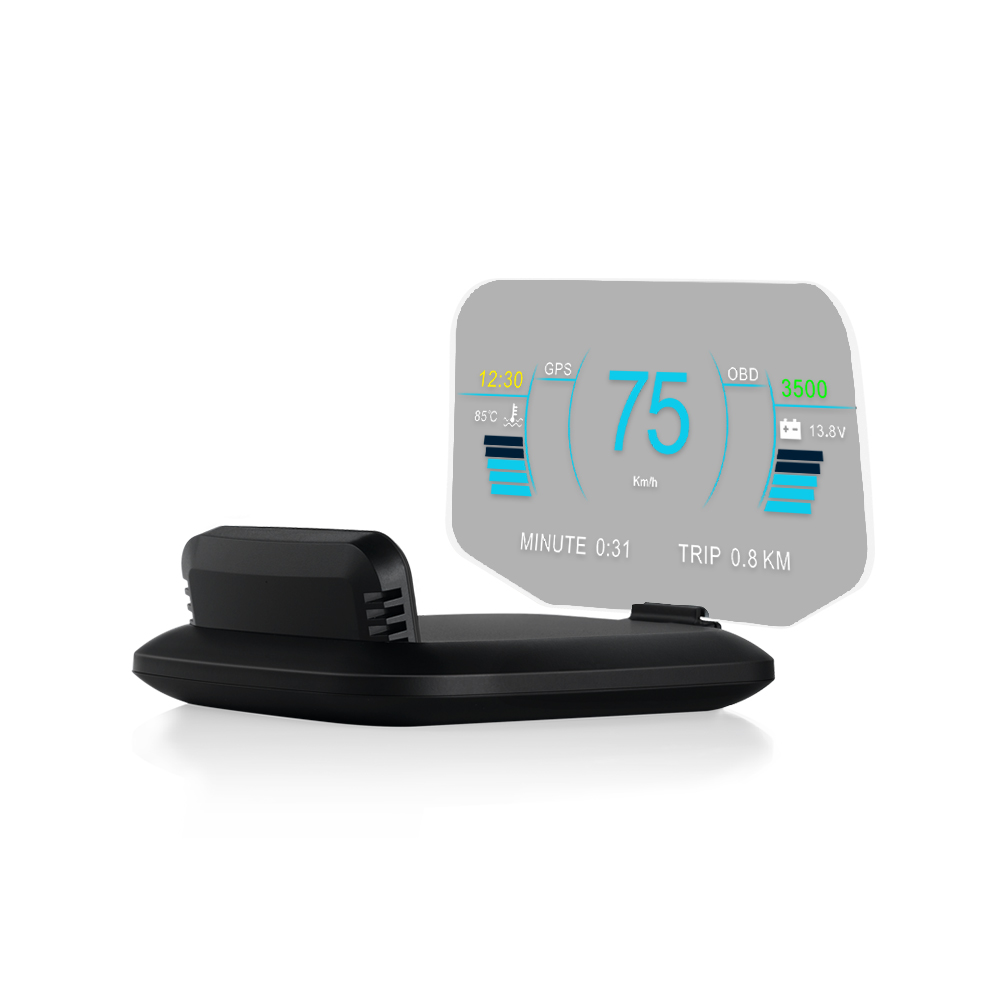
Get the best of both worlds. OBD2 mode taps into your car’s computer for precise engine data (works on most 2008+ vehicles). GPS mode works on any car — no compatibility worries. Whether you want real-time RPM or universal speed tracking, this HUD delivers flawless accuracy.
15+ Real-Time Metrics at a Glance
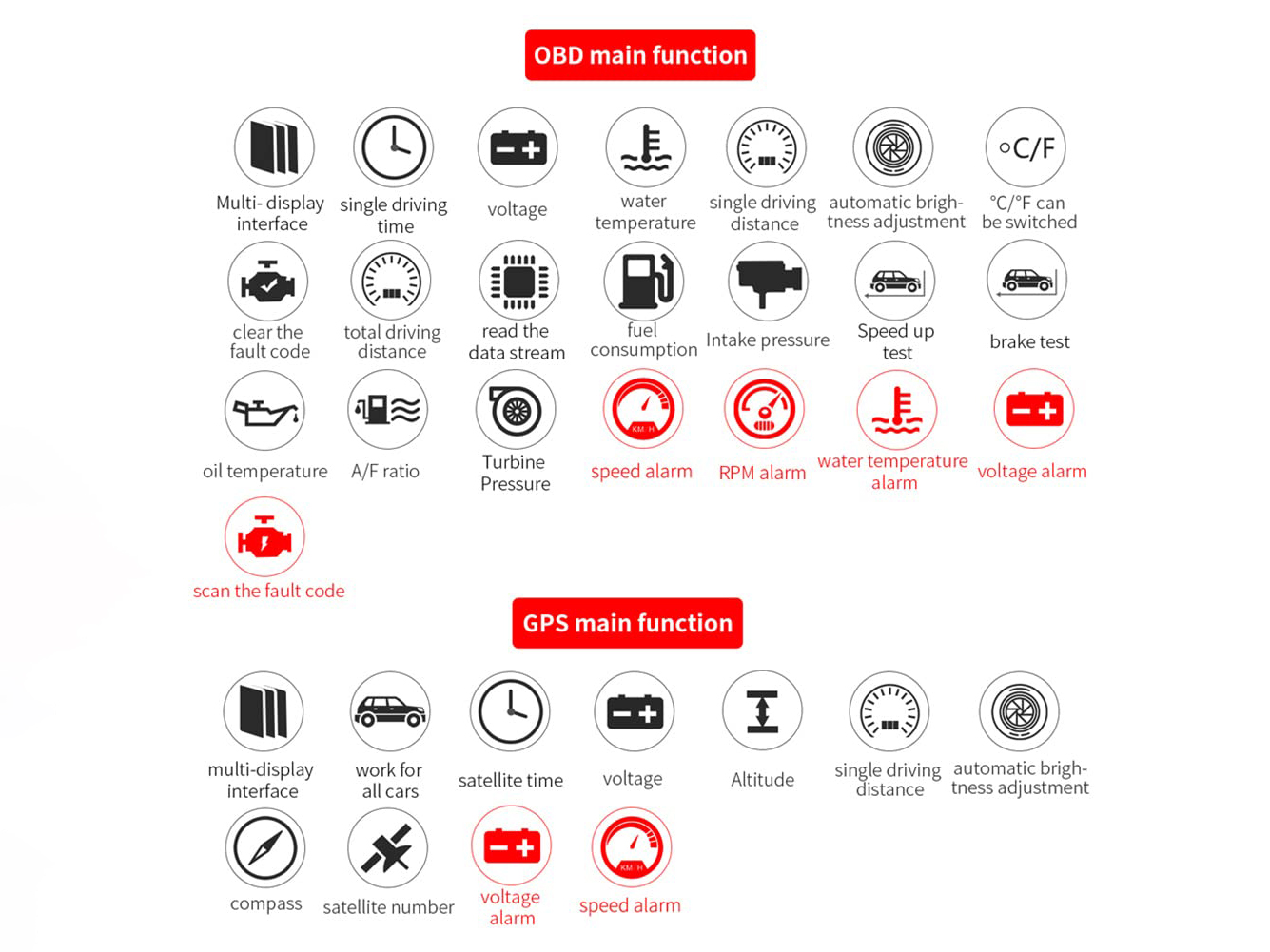
Track speed, RPM, water temperature, voltage, fuel consumption, turbo pressure, air-fuel ratio, altitude, direction, odometer, travel time, and more. Plus, set custom alerts for overspeed, overheating, abnormal voltage, and RPM limits — so you're always in the know.
Turn Indication via App
Scan the QR code to download the companion app (Android 4.4–12.0 / iOS 5.0+). Navigation arrows project directly onto the display, guiding you without ever taking your eyes off the road. Perfect for city driving or long road trips.
Plug-and-Play in Seconds
No complicated wiring. Choose the OBD2 connector or the GPS module — plug it in, adjust the angle, and you're ready to drive. The anti-glare, high-clarity screen works beautifully day or night.
Safety-First Design
Why settle for a basic speedometer? This HUD merges OBD2 diagnostics with GPS accuracy, projecting key data onto your windshield. Minimize distractions, maximize awareness — whether you're monitoring engine health, saving fuel, or navigating.
Quick Notes
OBD2 mode requires OBDII/EOBD support (most cars after 2008). GPS mode works with everything.
Your trust matters. That’s why every Autenvi product comes with a 14-Day Hassle-Free Return Policy. If you’re not completely satisfied, simply contact us within 14 days of delivery for a full refund or exchange. No hidden fees, no complicated steps — just straightforward protection for your peace of mind.
Shop with confidence. Drive with clarity.
At Autenvi, we believe great technology deserves great support. Our dedicated service team is here to ensure your experience is seamless—from setup to every drive ahead. We don‘t just solve problems; we provide prompt, professional, and personalized assistance to keep you focused on the road.
How We Help:
Technical setup & troubleshooting
Compatibility guidance (OBD/GPS)
Order and shipping inquiries
Warranty and return support
Reach Our Team:
For dedicated assistance, please contact our support desk at:
support@autenvi.com
We strive to respond to all inquiries within 24 hours during business days.
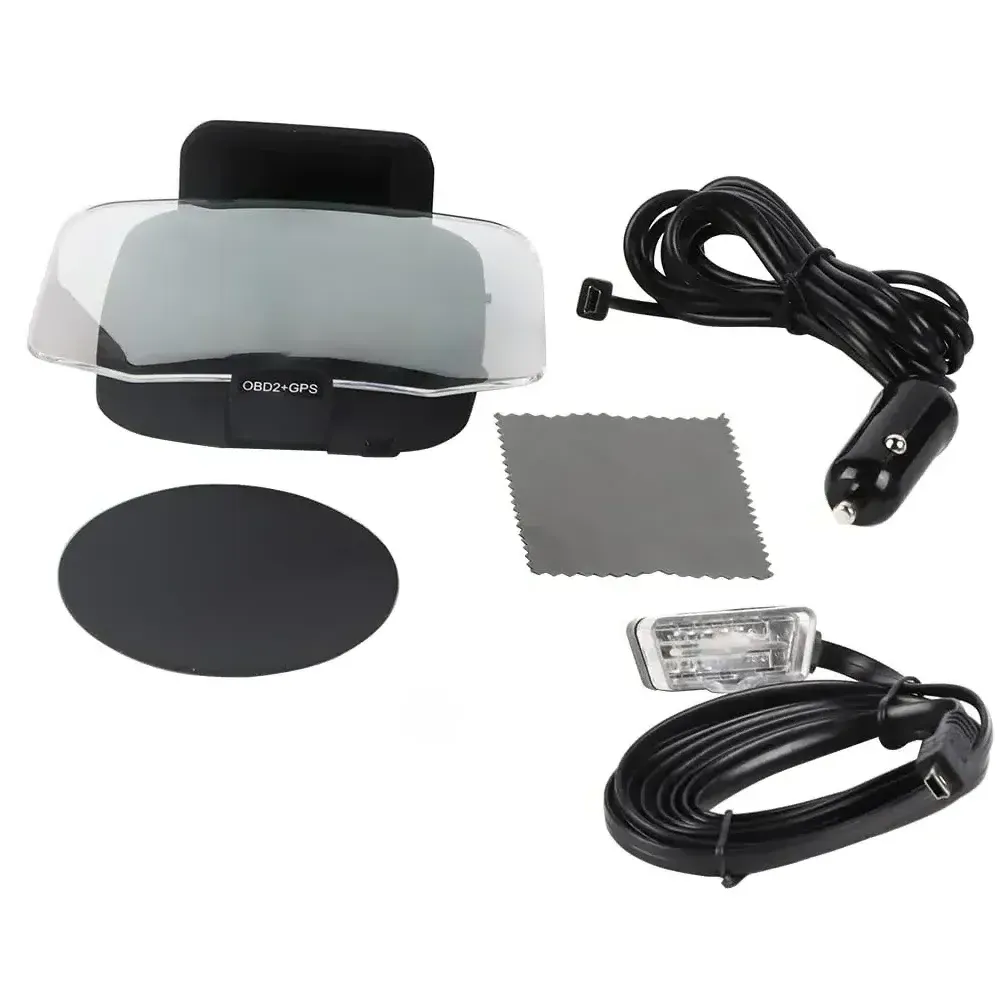
Packing List:
1 x Head-Up Display
1 x User Manual
1 x Anti-Slip Pad
1 x OBD Cable
1 x USB Data Cable
1 x Cleaning Cloth
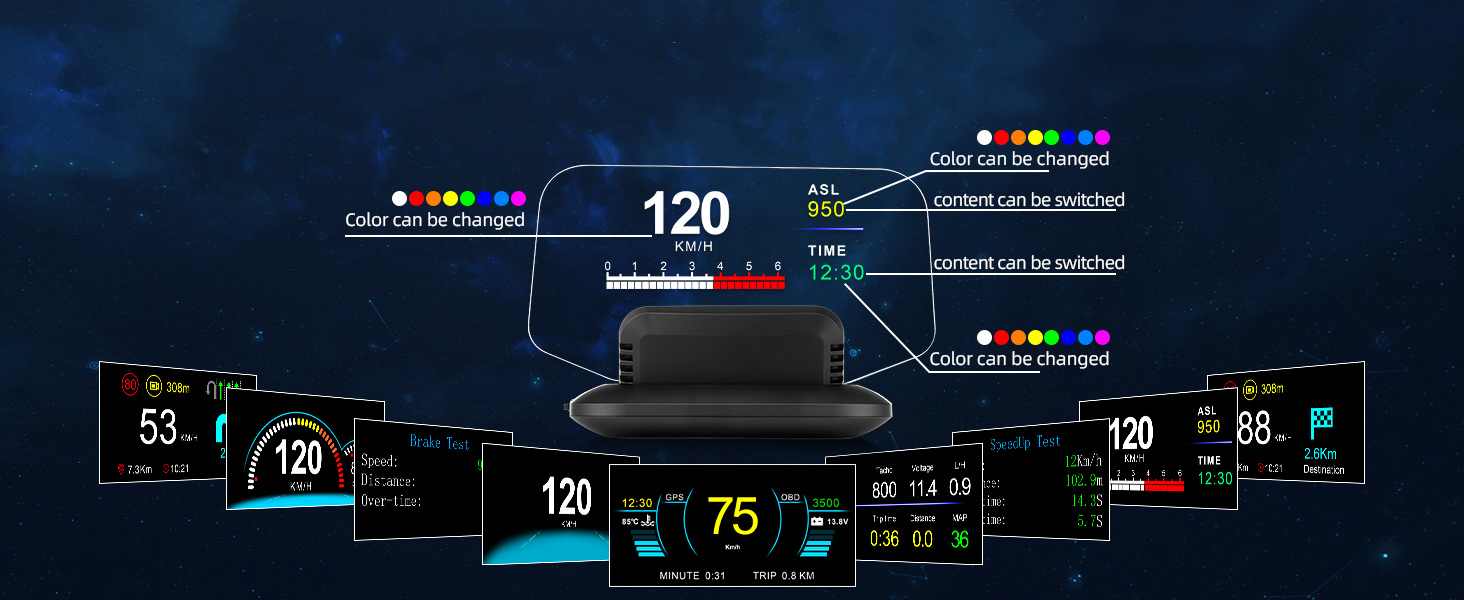
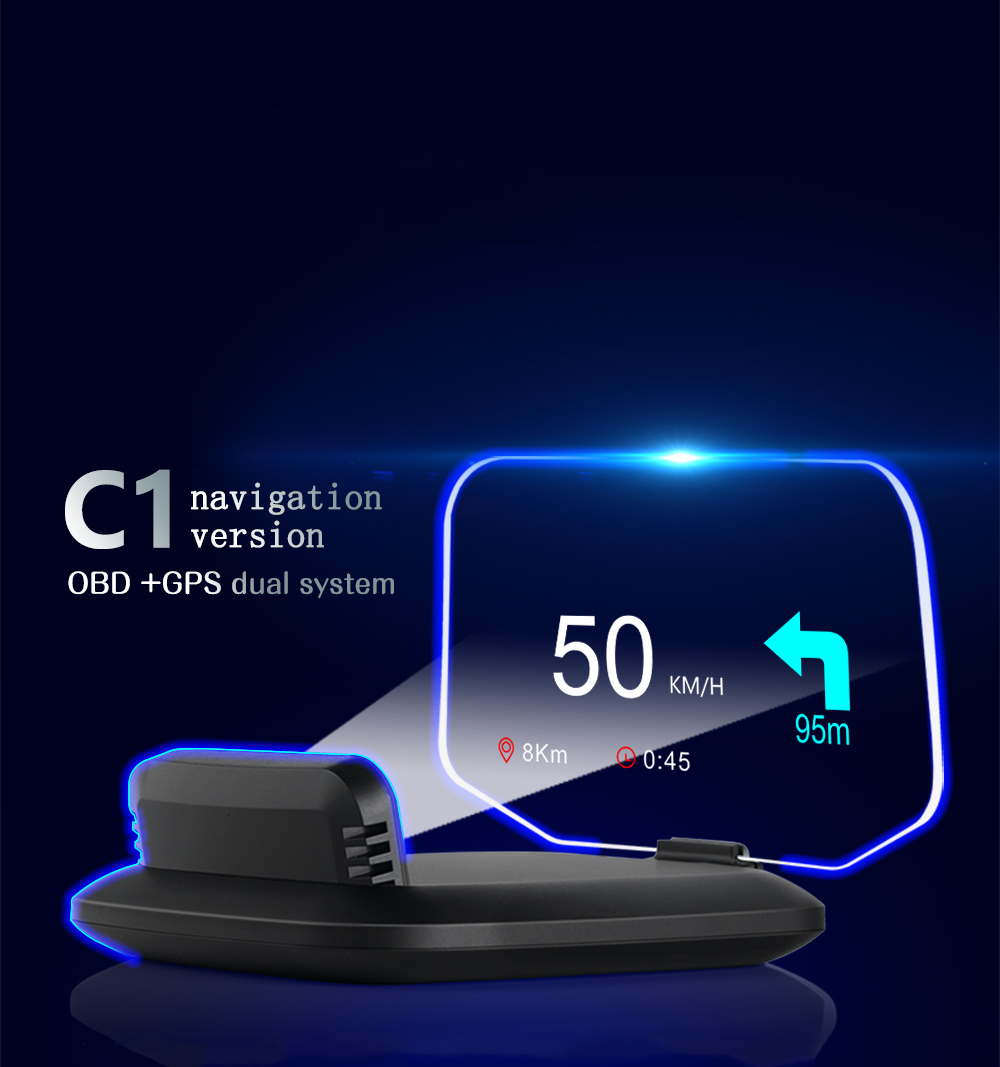
OBD + GPS Data Fusion|AI Warnings|Personalized Display
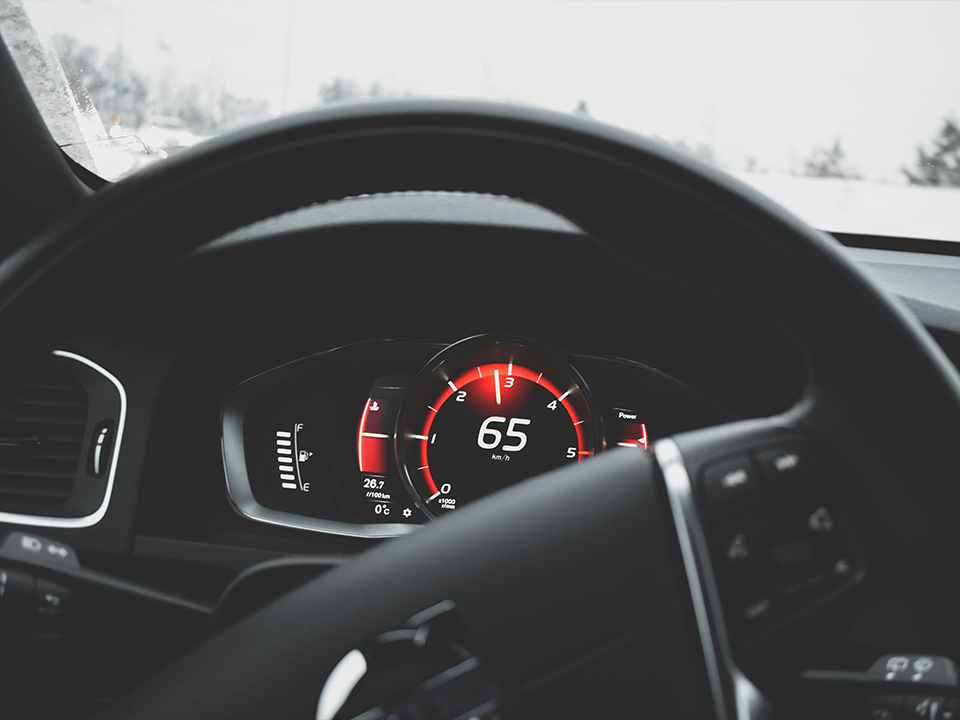
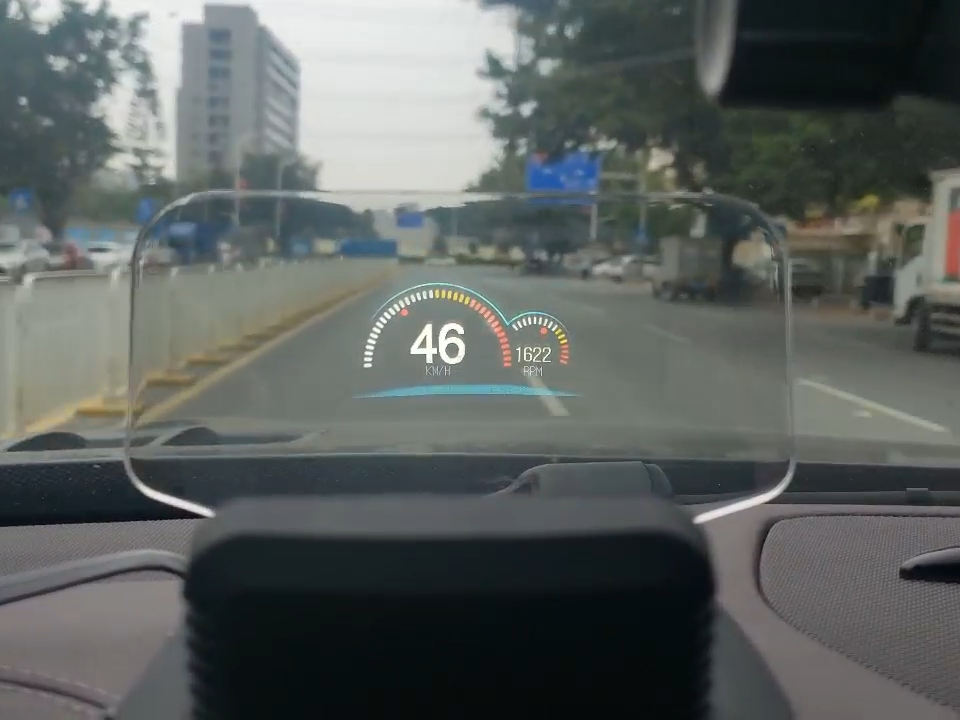
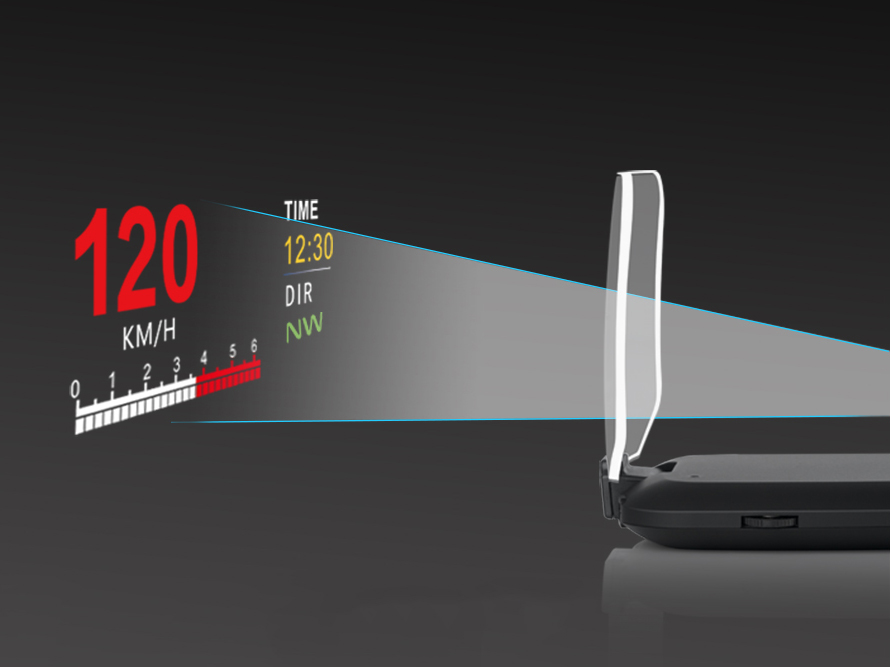
A Head-Up Display projects key driving information (speed, navigation) onto its built-in transparent combiner screen. Keep your eyes ahead—drive safer.
Rating: ⭐ 4.7/5
94% would recommend
“Like a co-pilot.” – Real user
Join thousands of satisfied drivers who have transformed their driving experience with our advanced head-up display technology.
"The Autenvi HD70 has completely changed how I drive. I can see my speed, navigation, and even engine diagnostics without taking my eyes off the road."
Find quick answers to common questions or contact our support team for personalized assistance.
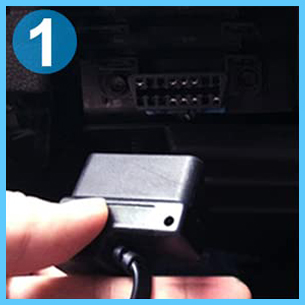
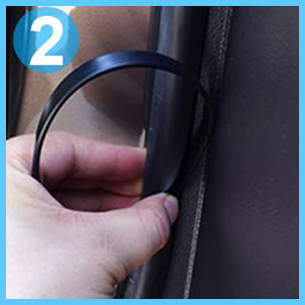
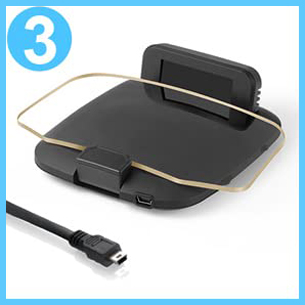
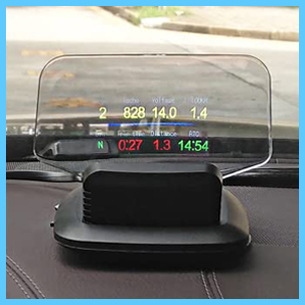
4 simple steps:
1. Connect to OBD port or cigarette lighter
2. Route cable along dashboard edge
3. Connect to HD70 device
4. Start engine - auto boots in 3-5 seconds
Tip: Contact customer service if you encounter any issues during installation.
Dual-system ensures universal compatibility:
• OBD mode: Works with most cars manufactured after 2009
• GPS mode: Works with any vehicle including motorcycles, classic cars
• Automatic detection switches between modes
If unsure, start with GPS mode or contact us before purchase.
Comprehensive real-time data:
• Basic: Speed, RPM, fuel consumption
• Navigation: Directions, compass, altitude
• Vehicle diagnostics: Engine temp, voltage, fault codes
• Safety: Speed alerts, fatigue reminders, brake tests
• Driving stats: Trip distance, time, average speed
Yes, fully customizable:
• Multiple color themes to match your preference
• Various layout options to organize your data
• Select specific information - show only what you need
• Switch freely between OBD diagnostics and GPS navigation modes
• Auto-brightness adjustment for day and night driving
Quick troubleshooting steps:
1. Ensure engine is running (not just accessory mode)
2. Check all cable connections are secure
3. Try switching between OBD and GPS modes
4. Test with cigarette lighter adapter if using OBD
5. Check device power indicator light
Most issues resolved with mode switching or cable reseating.
Our commitment to you:
• Full Warranty covering manufacturing defects
• Free Technical Support for setup and troubleshooting
• 14-Day Return Policy if not satisfied
• Lifetime Software Updates for new features
Warranty excludes physical damage from accidents or improper installation.
Our dedicated support team is ready to assist you with any questions about your HD70.
Get detailed assistance with setup, troubleshooting, or warranty questions.
We aim to respond to all inquiries within 24 hours during business days.
Direct email address:
loading